
Download Website X5 Pro – website builder, web design software, HTML5, e-commerce, SEO tools, multilingual website, dynamic content, web development tool
Overview
Website X5 Pro is a comprehensive web design software designed to transform creative ideas into fully functional websites with minimal technical effort. Tailored for both beginners and experienced users, the application streamlines the web development process into five intuitive steps, significantly reducing the learning curve associated with traditional coding or design tools. Its primary purpose is to empower individuals, entrepreneurs, and small businesses to establish a professional online presence without requiring prior knowledge of HTML, CSS, or JavaScript. The software addresses common challenges such as complex coding requirements, time-intensive design processes, and limited SEO optimization by offering built-in tools that simplify each stage of website creation.
Target users include freelancers, small business owners, educators, and content creators who need a reliable and efficient way to build and manage websites. The application supports real-world use cases such as launching personal portfolios, creating online stores, publishing multilingual content, and managing dynamic site updates collaboratively. For businesses, the ability to integrate e-commerce functionality with payment processors like PayPal adds significant value. The developer, Eurosoft, is known for creating productivity-focused tools, though specific company details were not provided in the release information. Website X5 Pro holds a notable position in the web development ecosystem by bridging the gap between accessibility and professional-grade output.
Key Features & Functionality
- Five-Step Website Creation Process: The software guides users through a structured workflow—from planning and design to publishing—enabling even non-technical users to launch a working website within hours. This step-by-step approach reduces decision fatigue and ensures consistency across all project phases.
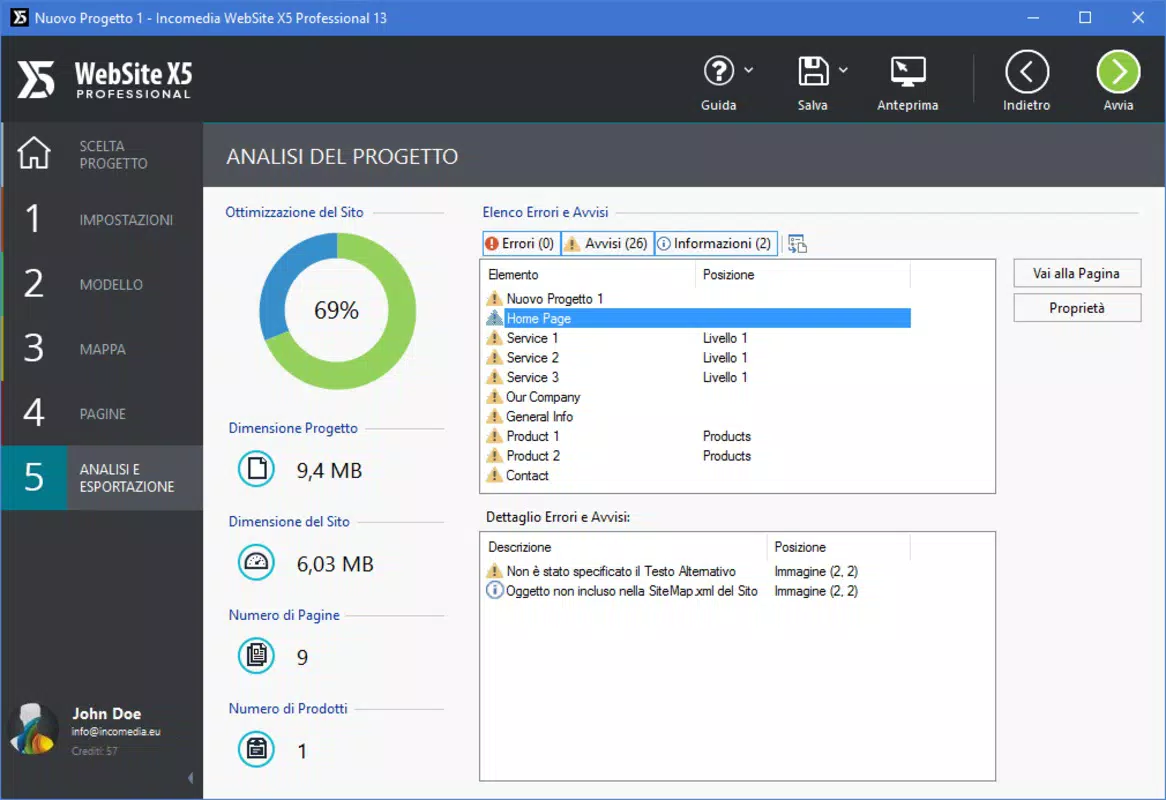
- Built-In SEO Tools: Website X5 Pro includes tools that help optimize metadata, headings, and content structure to improve search engine visibility. These features assist users in aligning their websites with current SEO best practices without needing external tools.
- E-commerce Integration: Users can set up online stores with product listings, shopping carts, and secure payment processing via platforms like PayPal. This functionality supports businesses aiming to sell digital or physical goods directly through their site.
- Multilingual Website Support: The software allows the creation of websites in multiple languages, enabling content localization for global audiences. This feature is particularly useful for organizations targeting international markets or serving diverse user bases.
- Dynamic Content Management: Website X5 Pro enables authorized users to update content after publication, making it suitable for collaborative projects or businesses that require frequent content refreshes. This enhances maintainability and reduces dependency on developers for routine updates.
Each feature is designed to address real user needs. For example, the five-step workflow benefits a freelance designer who needs to deliver client websites quickly. The SEO tools are valuable for a small business owner aiming to attract local customers through Google. The e-commerce module supports an independent seller launching their first online store. Dynamic content management allows a marketing team to update blog posts or promotions without technical intervention.
Interface, UX & Performance
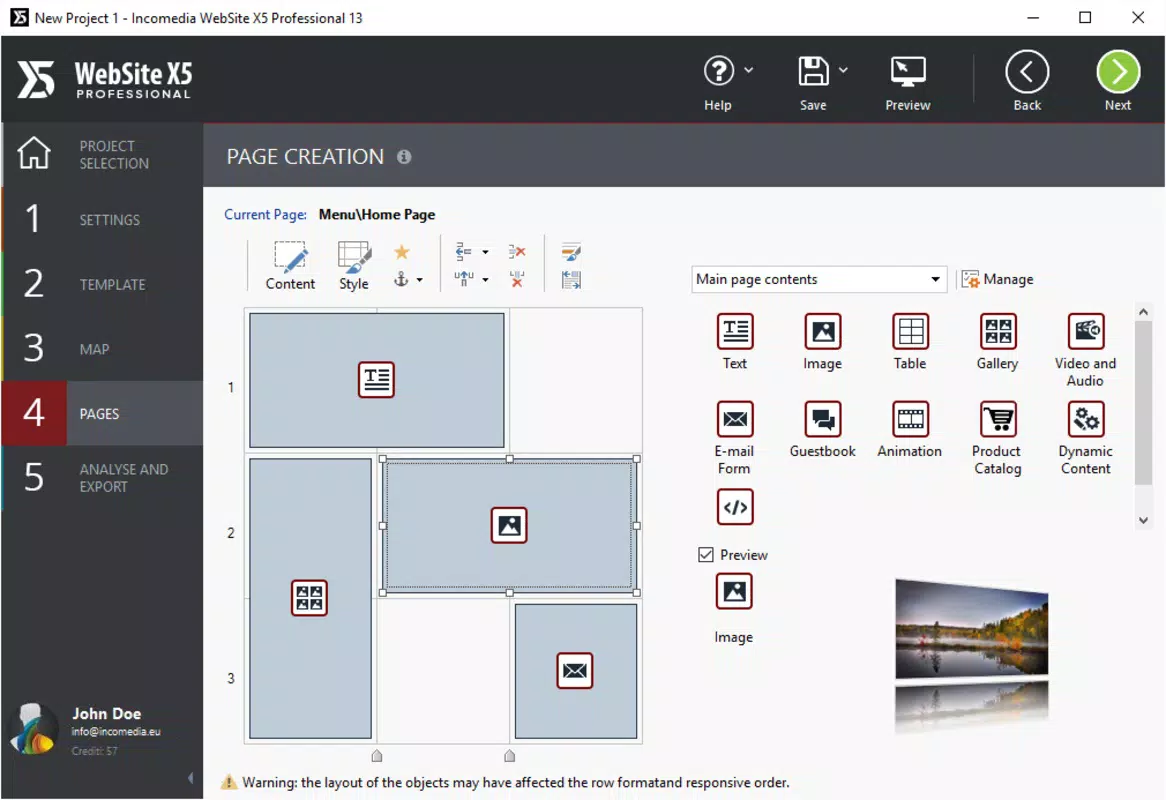
The user interface of Website X5 Pro is designed with clarity and efficiency in mind, featuring a clean layout with intuitive navigation. Visual elements are organized into clearly labeled panels, allowing users to access design tools, content editors, and publishing options with minimal effort. The software employs a drag-and-drop system for placing elements, which enhances usability and reduces the need for manual coding.
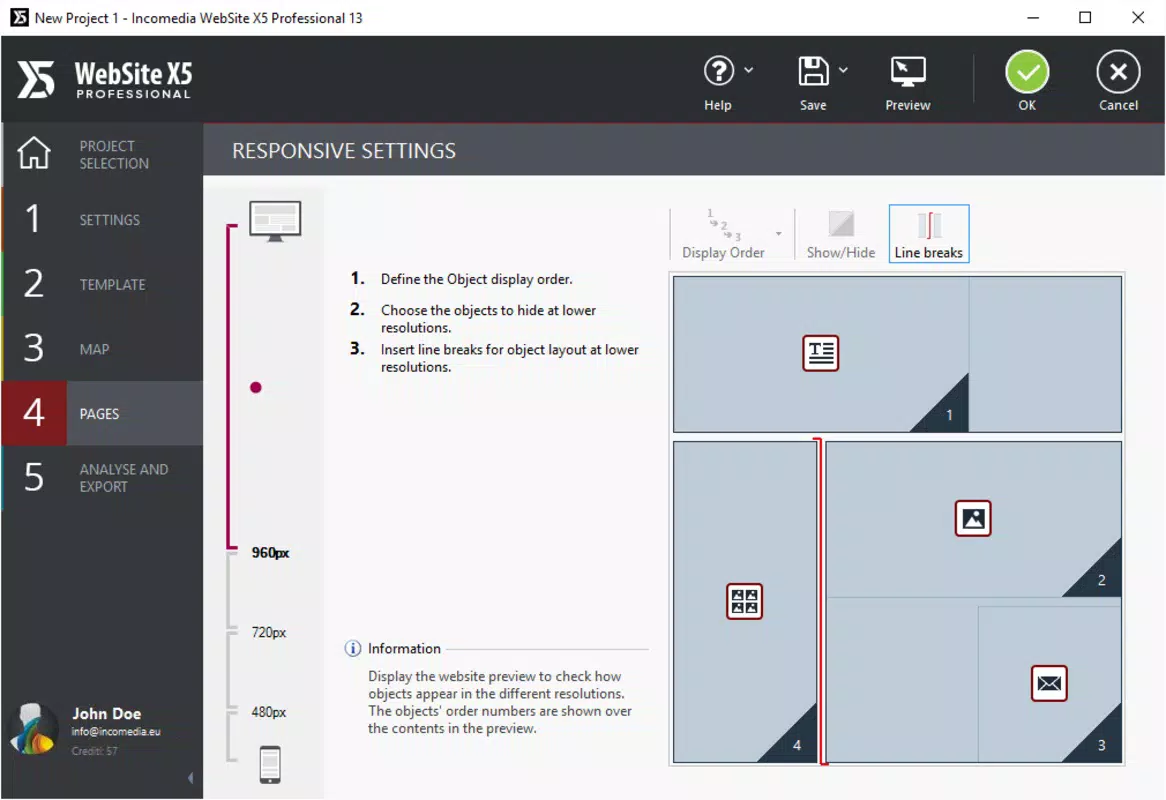
Navigation follows a logical flow, with contextual menus and tooltips that guide users through each stage of development. The responsiveness of the interface is consistent across different screen sizes and resolutions, though specific performance benchmarks were not disclosed. Although the developer did not list formal performance metrics, the application appears optimized for modern Windows systems, ensuring smooth operation during design and preview stages.
Stability is maintained through regular updates and a robust architecture, although no details were provided about crash rates or memory usage. Users can expect consistent performance during extended design sessions, particularly on machines meeting standard Windows requirements. The software does not exhibit visible lag during content editing or preview rendering, suggesting efficient resource management.
Platform Compatibility & Technical Requirements
Website X5 Pro is available exclusively for the Windows platform, supporting the latest versions of the operating system. The software requires a minimum of 228.2 MB of disk space for installation, which is relatively modest for a full-featured web design application. The version released on May 28, 2025, is the most current iteration, ensuring access to the latest features and security patches.
Specific system requirements such as CPU, RAM, or graphics specifications were not listed by the developer. Compatibility information was not fully disclosed, so users are advised to ensure their system meets general Windows standards for running productivity software. The application does not appear to be available on mobile platforms or macOS, limiting its accessibility to Windows-based users.
Pros and Cons
- Streamlined five-step website creation process ideal for beginners
- Comprehensive SEO tools built directly into the software
- Support for e-commerce with secure payment integrations
- Ability to create multilingual websites without complex setup
- Dynamic content management for collaborative updates
- Professional-grade output suitable for business use
- Only available for Windows, limiting cross-platform access
- No publicly available information on minimum system requirements
- Price point of $99.95 may be high for casual users
- Not available on mobile devices or macOS
- Requires manual updates; no automatic update notifications were mentioned
FAQ
Is Website X5 Pro available for Android or iOS?
Website X5 Pro is currently only available for Windows. There is no official version for Android, iOS, or macOS.
Can I use Website X5 Pro to create an online store?
Yes, the software includes e-commerce support, allowing users to set up product listings, shopping carts, and integrate payment processors such as PayPal.
Does Website X5 Pro support multilingual websites?
Yes, Website X5 Pro enables the creation of websites in multiple languages, making it suitable for reaching international audiences.
What is the file size of Website X5 Pro?
The application requires 228.2 MB of disk space for installation.
How often is Website X5 Pro updated?
The latest version was released on May 28, 2025. Specific update frequency was not disclosed by the developer.
Final Thoughts
Website X5 Pro stands out as a powerful and accessible web development tool for users seeking to build professional websites without coding. Its structured workflow, combined with robust features like SEO optimization, e-commerce integration, and multilingual support, makes it a compelling choice for small businesses, freelancers, and content creators. While its Windows-only availability and pricing may deter some users, the software delivers strong value for those who need a reliable, all-in-one solution. The ability to manage dynamic content and collaborate on site updates further enhances its utility in team environments.
For individuals and organizations aiming to establish a polished, functional, and scalable online presence, Website X5 Pro offers a balanced blend of simplicity and power. It bridges the gap between amateur design and professional deployment, making web creation more inclusive and efficient.
Download Website X5 Pro now


